Using filters

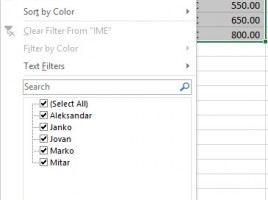
Here’s a very useful option! Filters can allow you to easily view, sort and narrow large tables based on one or more of the given criteria. All this makes filtered tables the first choice for entering data about partners, contacts, or even creating a simple CRM system. Working with filters is easy and intuitive, they are swiftly created and removed from the table. Read on, you will going to like this!

Sorting data

When we enter data in a table, we often need to edit them in a ascending or descending order. In other words, sorting them. Excel offers quick sorting, according to the content of the first column in the table, as well as advanced sorting where it is possible to set several criteria and select multiple sorting methods. The following text will detail the sorting of data, and I’m sure you will learn something new.