
Localization of Power BI reports
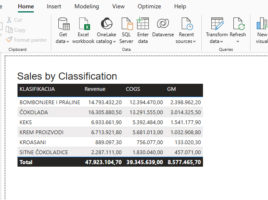
Power BI Desktop uses the currently active language settings (Settings/General/Language) when creating reports. If the report will be available to users who speak different languages, it is possible to implement multilingual support by defining appropriate translations. For visual titles and other key report elements, DAX formulas can be applied that use the USERCULTURE() function to automatically display content in the user’s language.
