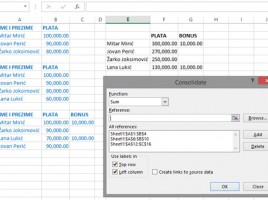
Data consolidation

Consolidation is the term that denotes the unification of several parts into a single entity. In practice, we use consolidation when we want to receive a summary report; for example, when we want to summarize the sale by months, quarters, years … The simplest way to do this is by summarizing the data entered in several worksheets in the last sheet using the formula. But what if the data in the worksheets is not uniform? Excel also has a solution for this scenario …

Advanced conditional formatting

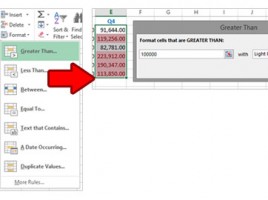
Conditional formatting allows us to customize the way that cell or group of cells is displayed in order to highlight their values. When using conditional formatting options, we can use some of the predefined rules discussed earlier. However, we often want to set the rules for formatting independently, to determine the order of their operation, or to disable some of them …

Conditional formatting

Even the best reports sometimes require that some information be emphasized in order to be more visible to the observer and help him to make certain conclusions. Conditional formatting is an Excel functionality that emphasizes the appearance of a particular cell or group of cells based on one or more rules. The appearance is formed on the basis of the data value or satisfaction of the conditions specified in the formula.

Secondary axis

When we make charts that contain multiple data series, it happens that the data in them varies greatly, in terms of value ranges, or they are set in different units of measure. Also, we will sometimes want to show different series by using different chart types. For this purpose, we choose whether the series is displayed on the primary or secondary axis, and which type of chart we want to use to display the data on it.

Error bars

Sometimes the chart will show values ​​that are not reliable. In that case, it would be good to emphasize to the observer that the error exists, and how its tolerance is. For this purpose, error lines are used that express a potential error, relative to the point or marker for the given data set. They can also be used to highlight some future trends, or to make assumptions about future value data.