
The Top N items
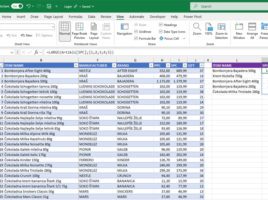
If you want to single out those with the highest or lowest price from the list of items, the simplest way is to turn on the Autofilter option, and then apply the Top 10 numerical filter over the column where prices are stored. There is another, equally accessible way – with the aid of the LARGE and SMALL functions, which you can use to identify the ranking of an item based on the sale price. Add to this dynamic filters and the process will be even simpler.