Dataflow Gen2

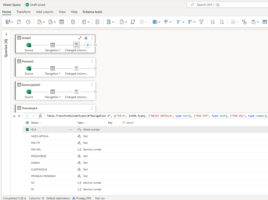
Dataflow is a tool that has been around in the Power BI service for a very long time , and is used to import, transform, and load data into a semantic model (ETL). Practically, it is Power Query in a cloud environment. With the advent  of Microsoft Fabric, Dataflow Gen2 was introduced , which is much more advanced compared to the previous version and enables faster work with large amounts of data, as well as their parallel processing.

OneLake catalog

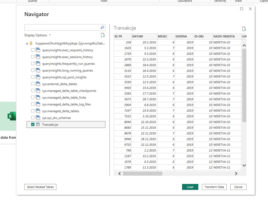
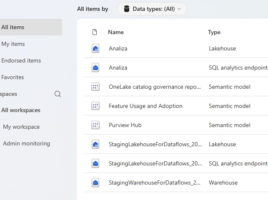
Since Power BI has been transformed and become part of  the Microsoft Fabric platform, we have a number of new, useful options at our disposal. OneLake is the place where all of an organization’s structured, semi-structured, and unstructured data now resides, and is stored in an open Delta Parquet format for ease of access, sharing, and management . The OneLake catalog is a feature within Microsoft Fabric that works as a centralized place to store, find, analyze data.

Even newer slicers

If you want to allow the user to filter a report or one of its parts, you can do so by adding a Slicer visual. Traditional slicers are just fine, New Slicer visual has brought some additional improvements, and recently three new, similar visualizations have appeared, which can improve the quality of your reports. Let’s see what it’s all about.

Microsoft Copilot & quick measures

Microsoft Copilot is a chatbot, based on ChatGPT, and is integrated within many Microsoft services and applications. If you use it in Power BI Desktop reporting platform, it enables you to create quick measures and to generate DAX statements based on natural language. With Microsoft Copilot, creating measures has become much simpler, and you will find out how it is used in the “recipe” that follows.

Power BI tables in Excel

For several years now, Power BI and Excel have been developing side by side with the idea that analysts do not save all their tables exclusively on a local computer, OneDrive or SharePoint repositories, but that they can also download them from Power BI reports that are published on the company’s tenant. If you use a Microsoft365 subscription that is connected to a company account, you can easily retrieve such tables.