Formatting in service of reporting

In several previous posts I wrote about the formatting of the contents of the cell. In addition to the standard ways of displaying its content, users can also define custom views. User-defined formats can be greatly used to enrich the appearance of the report. Using them, we achieve effects similar to the conditional formatting technique, and we can easily copy them or use them to create formatting styles.

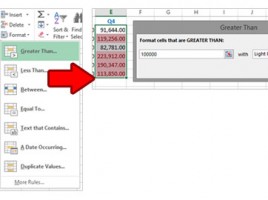
Advanced conditional formatting

Conditional formatting allows us to customize the way that cell or group of cells is displayed in order to highlight their values. When using conditional formatting options, we can use some of the predefined rules discussed earlier. However, we often want to set the rules for formatting independently, to determine the order of their operation, or to disable some of them …

Conditional formatting

Even the best reports sometimes require that some information be emphasized in order to be more visible to the observer and help him to make certain conclusions. Conditional formatting is an Excel functionality that emphasizes the appearance of a particular cell or group of cells based on one or more rules. The appearance is formed on the basis of the data value or satisfaction of the conditions specified in the formula.

Cell content testing

There are several functions in Excel that literally serve to “find the cell in time and space”. They can be used to identify the row and column in which the cell is located, count the rows or columns, determine the type of value that the cell contains … By themselves, these functions are seldom used. In combination with other functions, in conditional formatting, and especially with data validation, they can be irreplaceable.

Let’s calculate

Besides basic calculating operators like addition (+), subtraction (-), multiplication (*), and division (/) Excel contains even a handful of functions that we can use to perform various mathematical operations. Also, there are functions for calculating the absolute value, returning the number sign, and some other functions that can be of importance, for example, to create conditions in conditional formatting, when we want to color each different order in different colors …