
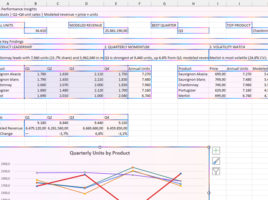
How Copilot changes your document?
You can start Copilot in Excel by clicking on the icon located in the lower right corner of the window. After that, on the right side of the screen, the Copilot panel will open. In it, you can chat with this AI assistant, but also engage it to make various changes to the document you are working on. This “recipe” will talk about the available modes of operation and the ways in which Copilot can affect your Excel reports.
