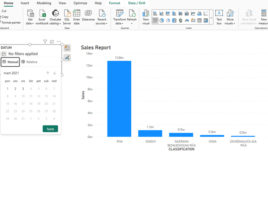
Date Picker in slicers

Slicers are graphical objects that we can use to filter data on a Power BI report page. When we use the dates to create slicers, then we create the so-called Timeline slicer. Until now, we were able to manually select a date range to filter the data in the report, and recently it is possible to run a Date Picker control in order to chose a date within a slicer.
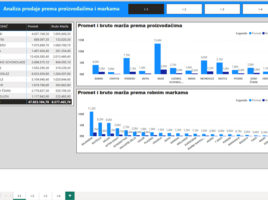
Navigation in Power BI

If you’re creating  a Power BI report that consists of multiple pages, it’s a good practice to add a navigation menu to its header. Previously, this was achieved by adding multiple buttons, assigning links to each of them that lead to the corresponding pages, and then grouping them into a single menu. Today, there is a much simpler way to achieve this, and recently it is also possible to define a landing page.

Conditional formatting with DAX

When you define conditional formatting within a visual, there are several options available to you. You can apply a color gradient that formats the display from the lowest to the highest value, define formatting rules based on specified conditions, or use your own DAX formula to specify formatting conditions. In this article, you’ll learn how to apply conditional formatting by using DAX to achieve greater flexibility and control over how your report looks.

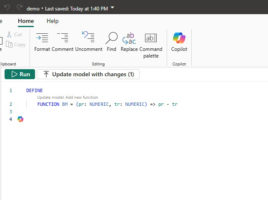
User-defined DAX functions

The DAX statement language, which we use to add new reporting dimensions to the Semantic Model, whether they are measures or calculated columns, or we use it to create tables, has a large number of functions. However, sometimes users need to create their own functions, and recently they can do it in a simple way, most often through DAX query view.

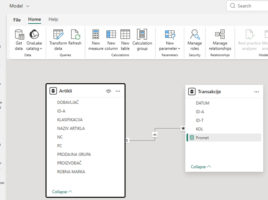
Model view in the cloud

While most data analysts are still developing reports in Power BI Desktop, more and more want to use the Power BI service for this purpose. Maybe it’s because they’re using a Mac computer, a Linux operating system, or for some other reason. That is why the Microsoft development team made it possible for users to access the Data Model directly from the web browser, i.e. now you can use Model View at the same way as in Power BI Desktop.