
Two dashes
Although Excel recognizes only two types of data: numbers and text, sometimes you’ll be working with Boolean values, such as TRUE and FALSE expressions. There is a simple trick to convert these values into ones and zeros respectively, so that you can add them more easily, and you will find out how to do this in a short “recipe” that follows.
Let’s start with a worksheet that has TRUE and FALSE values in cells A1 and A2. If we enter the formula in cell B1:
=–A1
Instead of the value TRUE in cell A1, we get a 1. Copy the formula to the cell below, and you’ll see that since A2 is FALSE, the formula returns 0.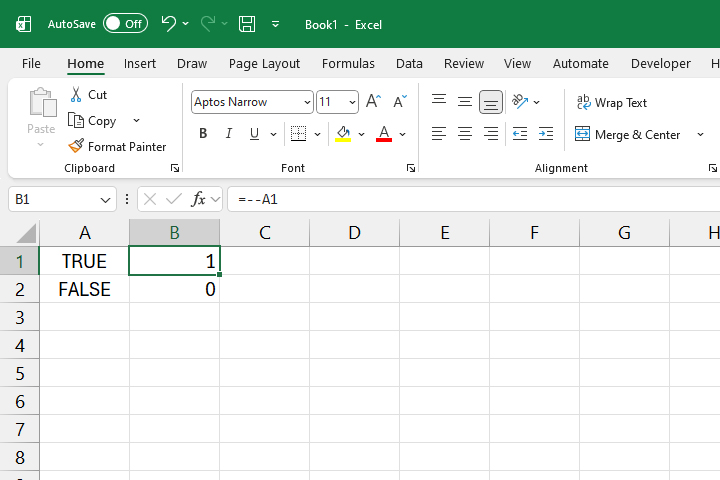
Is there a practical appliance of this feature? Since Excel has new Checkboxes that remember Boolean values, if selected they return TRUE and if not, their value is FALSE. We can use this feature to easily count the number of selected cells.
Let us create a table consisting of two columns. In the first one there is a list of trainings, and in the second there is a Checkbox to confirm if any of them have been completed. Below the column with the names of trainings we add a row with the label “TOTAL”, and below the column where we mark the completed training we enter a formula:
=SUM(–B2:B5)
Now, every time we mark that training has been completed, the total number will increase.