Excel Copilot: Rules and Skills

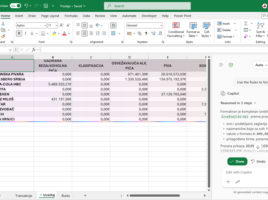
In order for Microsoft Copilot to  work faster in Excel and provide results that are more in line with user expectations, it is now possible to define a set of rules that Copilot will  apply when creating calculations, formatting tables and charts, as well as other tasks. This is where Rules comes in, a new feature that allows you to standardize the way Copilot processes and displays data. Combined with Skills, which expand its capabilities, Excel reporting becomes more accurate and efficient.
Copilot Formula Suggestions

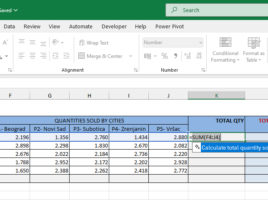
Microsoft Copilot has brought several innovations in working with Excel, and one of them is the Copilot Formula Suggestions feature. This option makes it easier to create formulas by having Copilot proactively suggest next steps, recommend appropriate formulas based on data and context, and can even automatically complete the formula instead of the user. This speeds up work and reduces the possibility of errors when writing more complex formulas.

How Copilot changes your document?

You can start Copilot in Excel by clicking on the icon located in the lower right corner of the window. After that, on the right side of the screen, the Copilot panel will open. In it, you can chat with this AI assistant, but also engage it to make various changes to the document you are working on. This “recipe” will talk about the available modes of operation and the ways in which Copilot can affect your Excel reports.

Data Cleanup

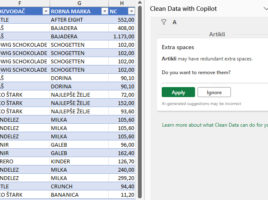
Clean Data is an AI feature in Excel that automatically finds inconsistent data and suggests error corrections. It works with data tables and usually, within their columns, finds excess spaces, uneven use of lowercase and uppercase characters, non-conforming formats, blank values, duplicates, errors… This option sometimes runs automatically, immediately after opening the document, and you can also run it manually…

Python in Excel documents

Python has finally become part of Excel, and from now on you can add pieces of Python code to a sheet to define datasets, process and visualize them. If you have a Microsoft 365 subscription and have downloaded update 2409 (Build 17628.20164), you will be able to use Python normally (no longer reserved for testers only). In this short intro you will learn what Python is and how it can enrich your reports.